Grant user access and set permissions levels for projects
- From the main Projects screen, click the Project’s thumbnail to access the Project Dashboard.
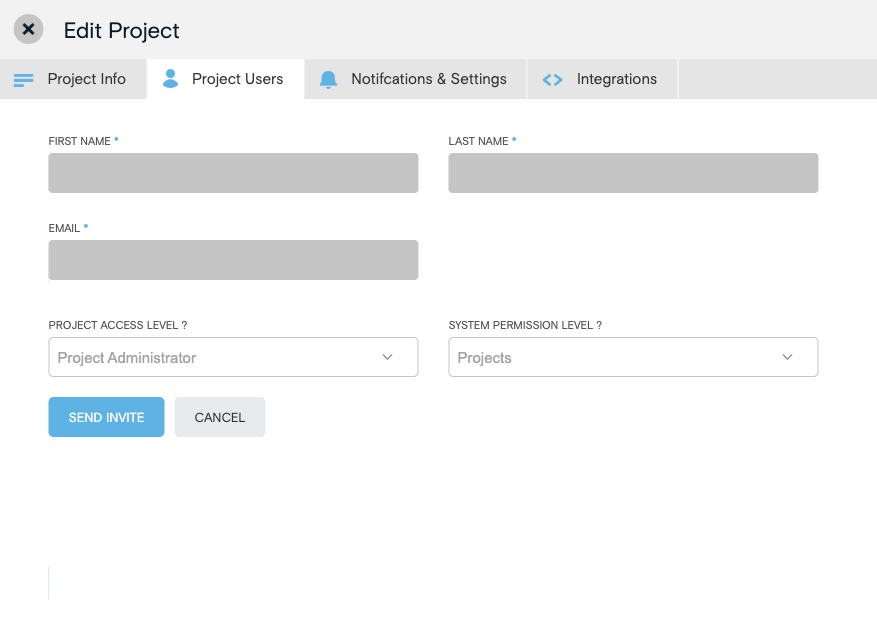
Within the Project Dashboard, click the plus (+) icon beside Add Project User to open the Add/Edit Project Users window.
Click the Invite New User button.
Fill in the necessary user information, Project Access Level, and System Permission Level.
Click Send Invite. This will send the user and email with login details and account information.